
FunBIM allows you to work directly on your plans, as you did with the Paper version.
To get click on Plans and Files and click on Annotations:
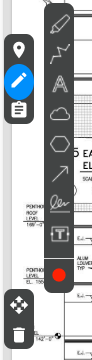
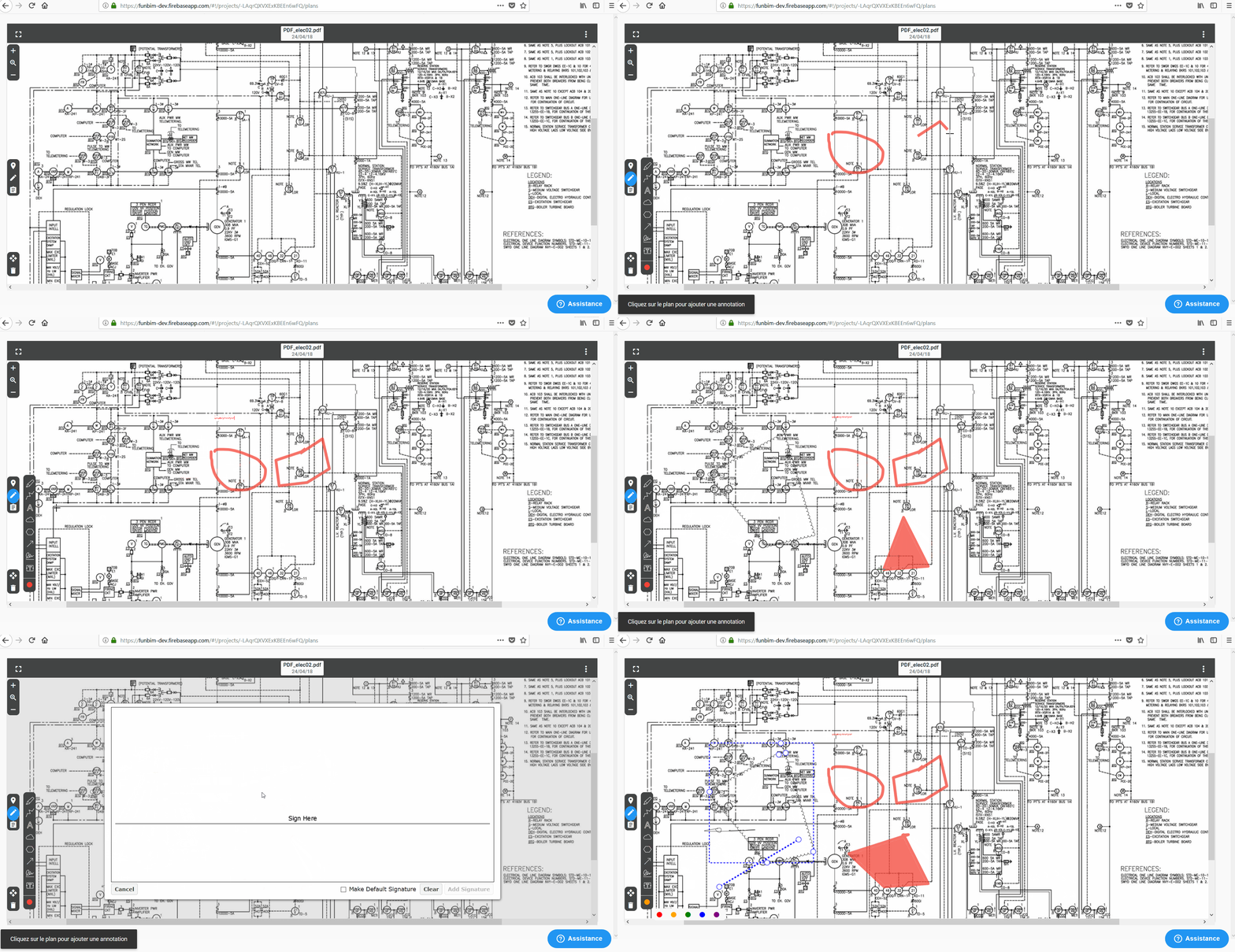
Select the icon that interests you, as well as the color  and draw the drawing on the map.
and draw the drawing on the map.- Stabilize on plan (See quickly the progress of the state of the laying of the networks) 
- Write text boxes on your plan 
- Do freehand drawings 
- Make arrows 
- To be able to create zones 
- Can make point clouds 
- Sign on your plan 
When you want to stop annotating on the plan, click on the 'Esc' key to release the annotation.
Comments
0 comments
Article is closed for comments.