
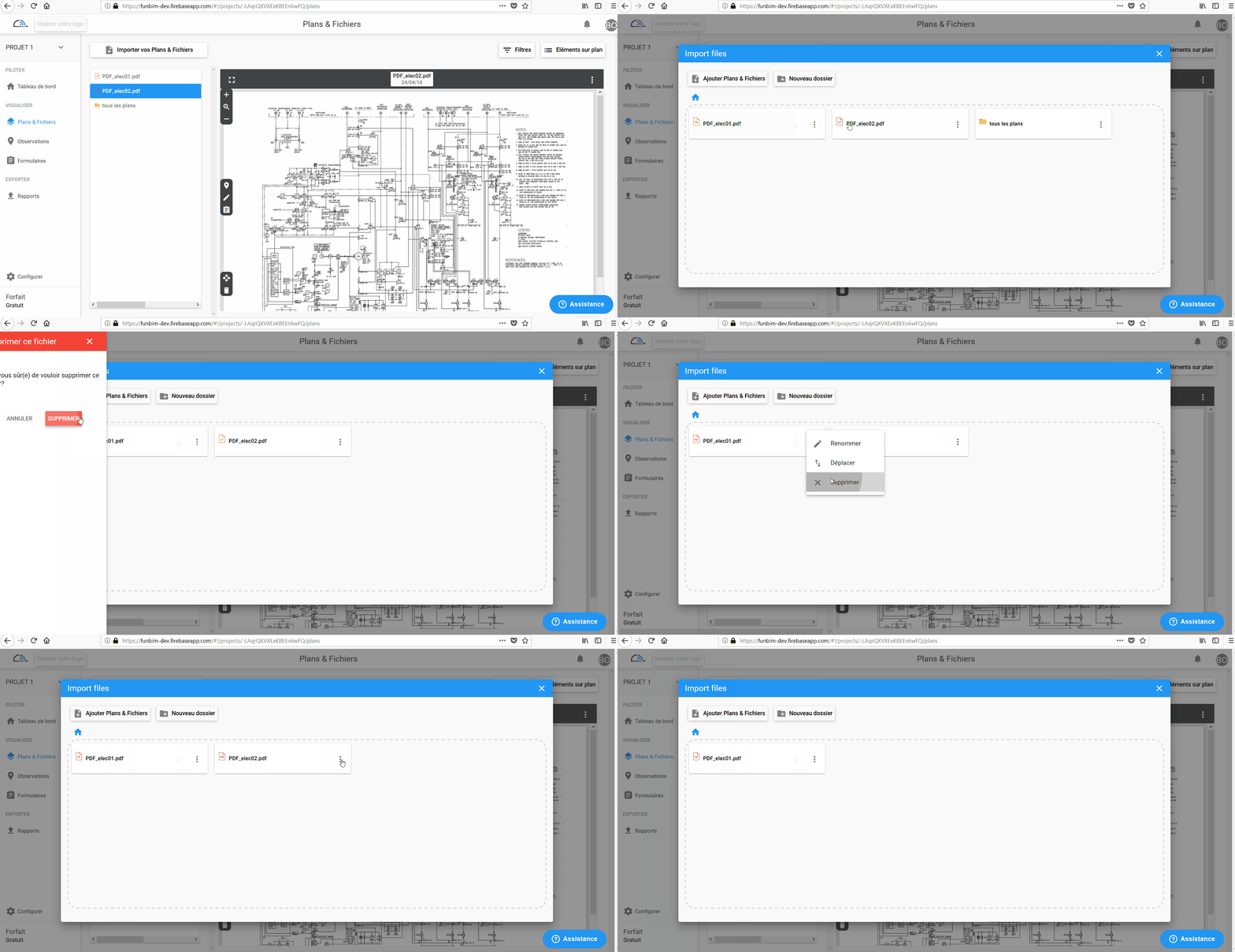
You can very easily delete a file or folder by going to "Plans and Files" on the left menu and click

Then click  of the file or folder you want to delete, a window opens with several choices:

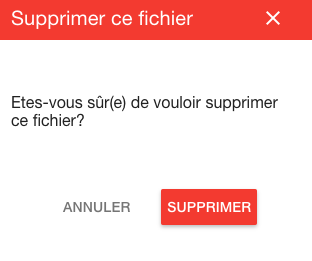
Click Delete and confirm the deletion
On video :
Can not delete the file?
If your file has one or more comments on it, you will first need delete an observation who are on it before you can delete the file.
Comments
0 comments
Article is closed for comments.