
FunBIM allows you to make a completely personalized document tree.
You can put the file or folder at the root of another folder.
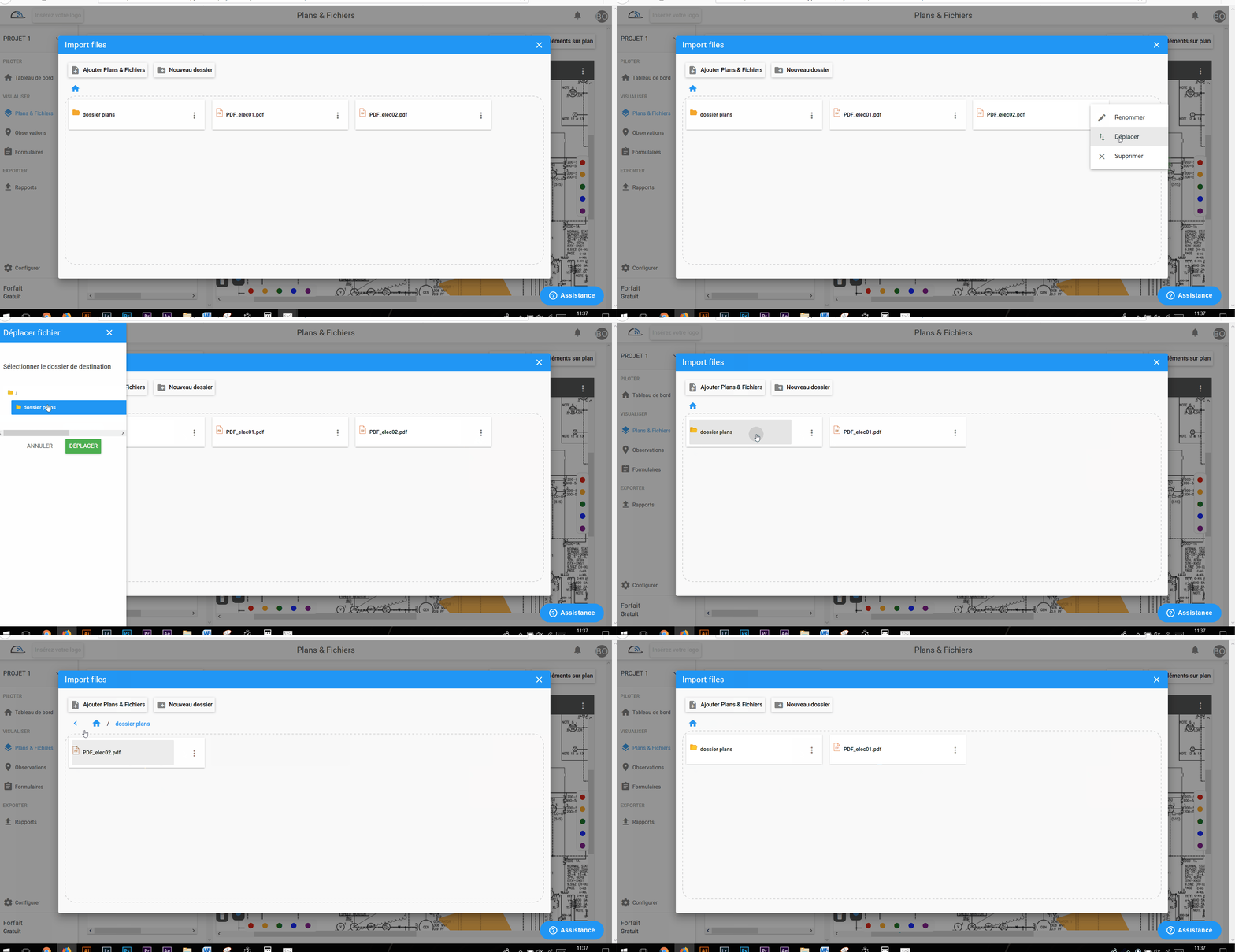
Go to Plans and Files, click Import your plans and files

Then click  next to the file / folder you want to move
Then move 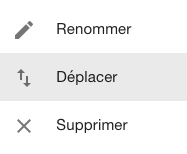
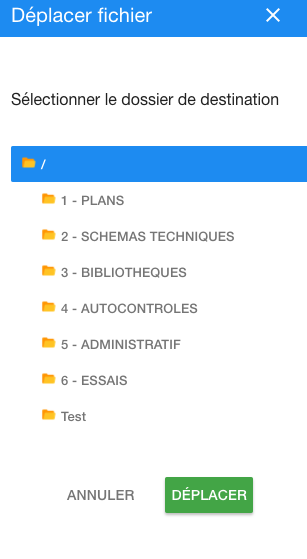
All you have to do is select the root on which you want your file / folder to be attached
On video :
Comments
0 comments
Article is closed for comments.